
Get AVS Vault Security Right
Before configuring biometric encryption, you need to establish a secure baseline. Vault security in DevSecOps isn't just about locking the door; it's about verifying who holds the key. If your prerequisites are weak, the strongest encryption won't stop a compromised account. Treat this phase as the foundation for your digital legacy protection.
Verify Identity Prerequisites
Biometric systems fail when identity verification is vague. Ensure you have a government-issued ID and a clear, unobstructed view for facial or fingerprint scanning. Avoid low-light environments or backgrounds with high visual noise. A blurry scan is worse than no scan, as it forces multiple attempts that trigger security locks.
Assess Device Compatibility
Not all devices support the same level of biometric encryption. Check if your hardware includes a secure enclave or trusted execution environment. Older devices may rely on software-based biometrics, which are more vulnerable to spoofing. If your device lacks hardware-level security, consider using a dedicated security key as a backup.
Prepare Backup Recovery Methods
Biometrics can fail due to injury or sensor errors. Set up at least two backup recovery methods before enabling full vault security. This could include a secondary email, a physical security key, or a printed recovery code stored in a safe. Without these, you risk permanent loss of access to your digital assets.
Review Permission Structures
Flexible user group permissions are essential for shared devices or family accounts. Define who can access the vault and what level of biometric verification is required for each. Avoid granting admin privileges to all users. Restrict sensitive actions to the primary account holder to minimize the risk of unauthorized access.
Work through the steps
Securing your digital legacy requires more than just a password; it demands a layered approach that combines biometric verification with robust encryption. The AVS Vault uses a multi-factor workflow to ensure that only authorized users can access sensitive data. Follow these steps to configure your vault correctly and avoid common security pitfalls.
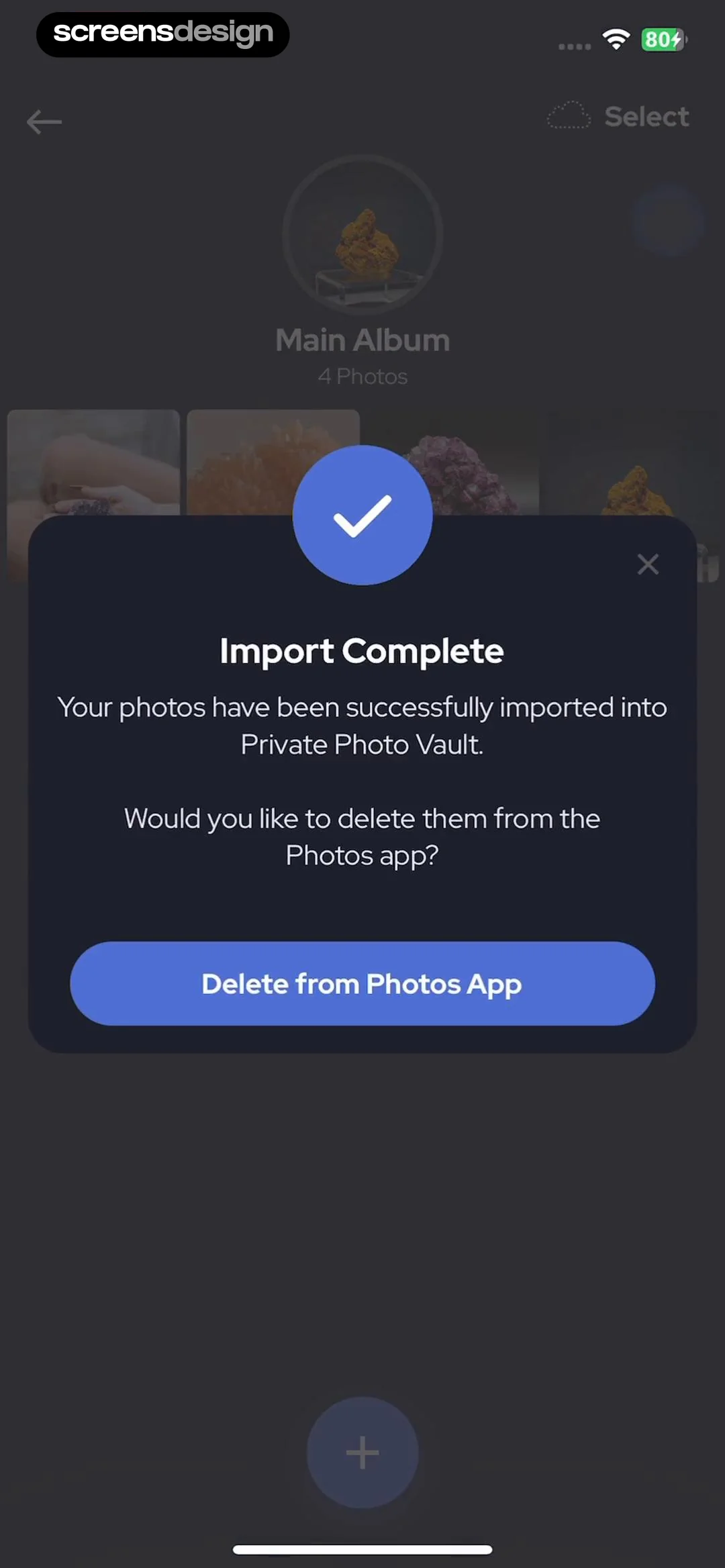
Start by linking your device’s biometric sensors to the AVS Vault. Navigate to the security settings and select biometric authentication as your primary login method. This adds a layer of physical verification, ensuring that possession of your device alone is insufficient to breach the vault. The system will prompt you to register your fingerprint or facial recognition data immediately.
Once biometrics are active, generate or import your encryption keys. For maximum security, use the vault’s built-in key generator to create a unique, high-entropy key pair. Store the private key in a secure, offline location if possible. This step ensures that even if the biometric layer is bypassed, the data remains mathematically locked.
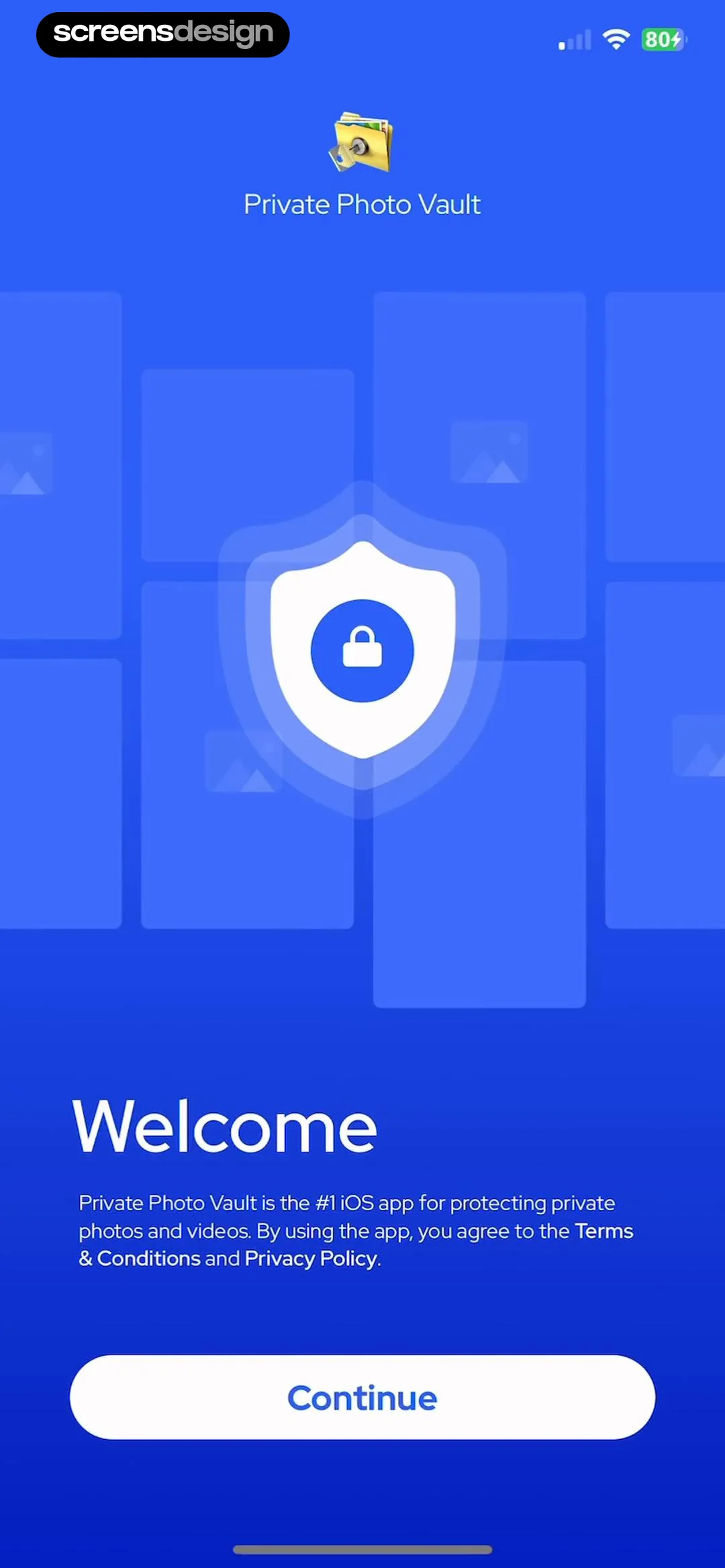
Define who can access specific vaults and what actions they can perform. The AVS Vault supports flexible user group permissions, allowing you to restrict read-only access for family members while granting full administrative control to yourself. Regularly audit these permissions to remove access for any devices or users that are no longer active.
Fix common mistakes in AVS Vault security
Even with biometric encryption, poor configuration leaves digital legacy assets exposed. The following errors undermine the security posture of your AVS Vault setup.
Using weak master credentials. Many users rely on default or simple passwords for the initial vault setup. Biometric layers fail if the root key is compromised. Use a strong, unique master password and store it in a secure physical location.
Ignoring access permissions. Overly permissive user groups allow unauthorized changes to sensitive data. Define strict roles for each user. Regularly audit who has access to view or modify vault contents.
Neglecting cloud migration risks. Moving vault data to cloud environments introduces new vulnerabilities. Ensure ephemeral applications are secured with proper identity and access management. Use AWS or similar providers with strict encryption standards.
Confusing vaults with safes. While often used interchangeably, a vault implies a higher security standard than a simple safe. Treat your digital vault with the same rigor as a physical bank vault. Do not assume standard software security is sufficient for critical legacy data.
To avoid these pitfalls, regularly review your vault’s security settings. Test access controls and verify that biometric authentication is functioning correctly. A secure vault protects your digital legacy from both digital and physical threats.
Avs vault security: what to check next
These answers address the practical objections readers have before making a decision. We focus on the specific mechanics of AVS vault security and biometric encryption.
The goal is to make your digital legacy as secure as a physical safe, but with the convenience of biometric access.
No comments yet. Be the first to share your thoughts!