
What are AVS Vaults 2026
AVS Vaults 2026 serve as a hybrid security solution designed to protect both digital assets and physical valuables under one roof. Unlike traditional safes that only store gold or cash, or digital wallets that only hold crypto keys, this system bridges the gap. It provides a unified platform where you can manage your most critical holdings without juggling multiple security protocols.
At its core, the vault combines biometric access controls with encrypted digital key storage. This dual-layer approach ensures that even if one security measure is compromised, the other remains intact. The system is built to handle the unique demands of modern asset management, where digital and physical value often intersect.
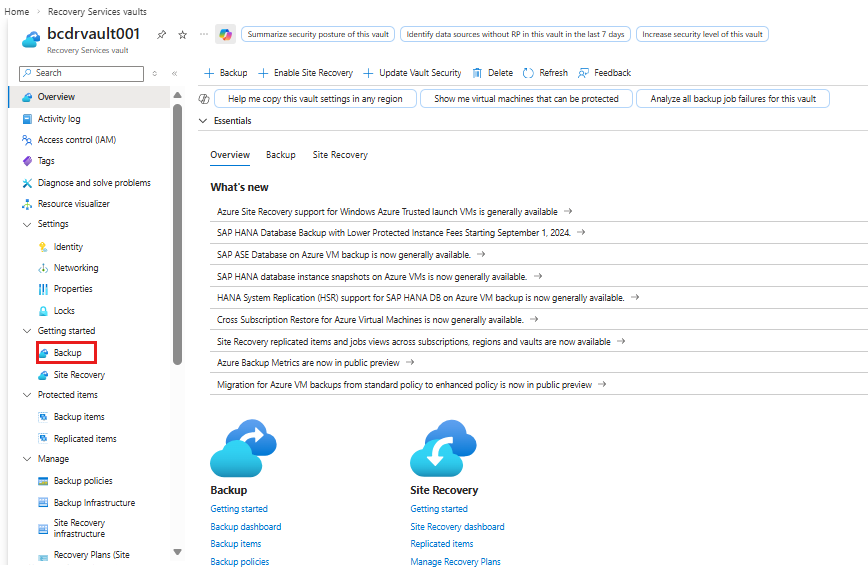
The interface simplifies complex security tasks. Instead of managing separate keys for a physical door and a software encryption layer, you use a single biometric scan to access your entire portfolio. This consolidation reduces the risk of human error, which is a leading cause of security breaches in mixed-asset environments.
By centralizing access, the vault also streamlines audits and inventory checks. You can verify the status of your physical items and the integrity of your digital keys in one view. This visibility is essential for anyone serious about long-term asset preservation.
Choose the right vault type
Your AVS Vault model should match the specific mix of digital and physical assets you hold. There is no single "best" vault for everyone; the right choice depends on what you are securing, how often you need access, and the environment where the vault will sit.
Digital-First Vaults
If your primary concern is protecting hardware wallets, seed phrases, or encrypted drives, look for models with RFID-blocking compartments and smart-lock integration. These vaults often feature thin profiles that fit inside standard desks or shelves, keeping your crypto hardware out of sight but within arm's reach for quick transactions. They prioritize data security over bulk storage.
Physical-Heavy Vaults
For collectors storing trading cards, coins, or jewelry, capacity and organization matter more than digital features. Look for vaults with adjustable shelving, soft-lined drawers, and high-capacity footprints. These units are built to withstand the weight of dense physical items and often include glass-front options for display purposes while maintaining security. The focus here is on preservation and accessibility of tangible goods.
Hybrid Multi-Safe Models
Hybrid vaults bridge the gap, offering dedicated secure compartments for electronics alongside spacious racks for physical collectibles. This type is ideal if you hold both Bitcoin hardware wallets and valuable memorabilia. Ensure the locking mechanism supports both biometric and key access, as digital failures can render biometric-only locks useless during power outages or system errors.
Comparison of Vault Types
| Feature | Digital-First | Physical-Heavy | Hybrid Multi-Safe |
|---|---|---|---|
| Primary Asset | Hardware Wallets, Drives | Cards, Coins, Jewelry | Both Digital & Physical |
| Security Focus | RFID Blocking, Encryption | Impact Resistance, Lining | Biometric + Key Access |
| Access Frequency | Daily/Weekly | Monthly/Quarterly | Variable |
| Footprint | Compact, Desk-Friendly | Large, Floor-Standing | Medium to Large |
Amazon Product Grid
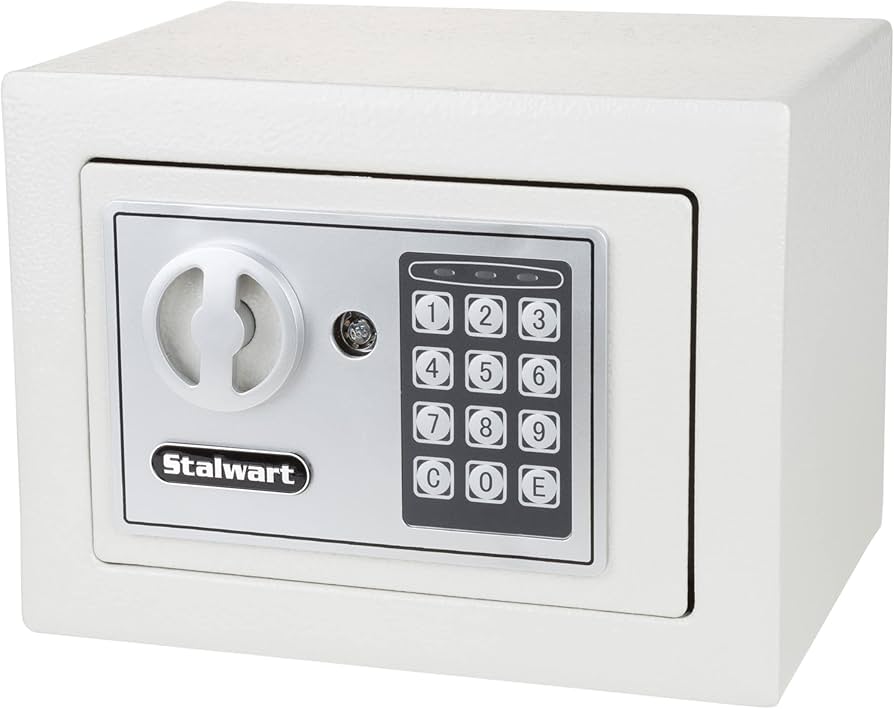
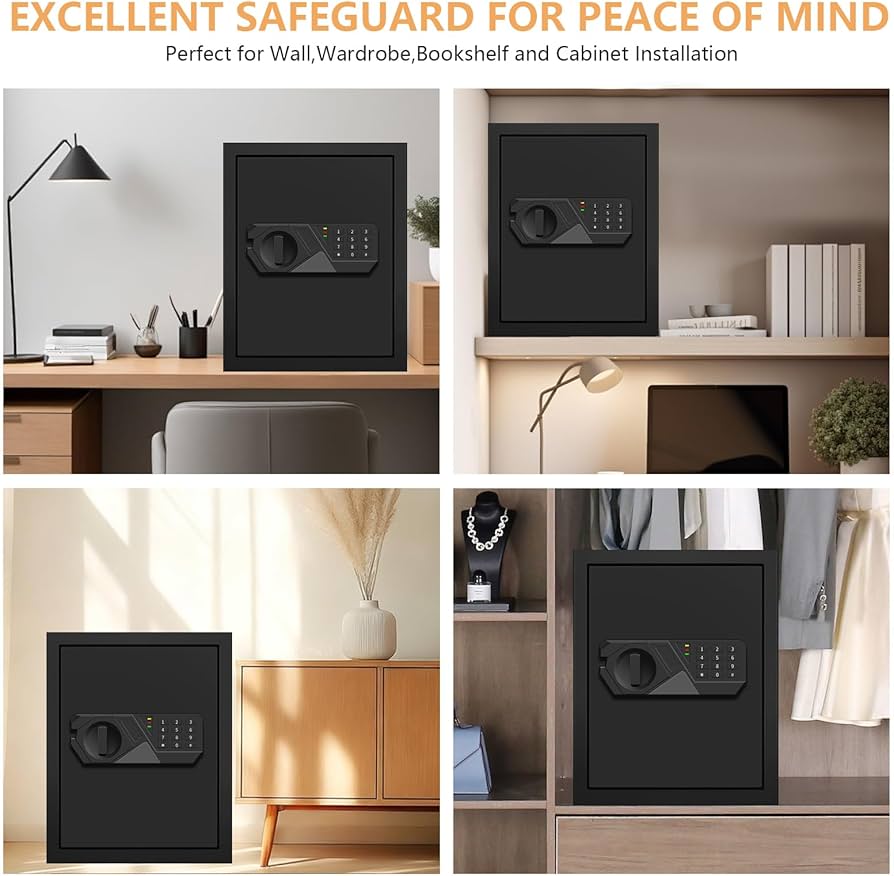
As an Amazon Associate, we may earn from qualifying purchases.
Install and configure your AVS Vault
Setting up your AVS Vault 2026 is a two-part process: securing the physical unit and hardening the digital access layers. Treat the physical installation as the foundation; if the hardware isn't stable, the encryption is irrelevant. Once the vault is anchored, you will configure the biometric and digital authentication protocols to ensure only authorized users can access your digital assets.
AVS Vaults are heavy and designed to remain stationary. Use the included anchor kit to bolt the base to concrete or a solid wooden stud. Do not rely on friction or temporary placement. A vault that can be lifted and carried is a liability, not an asset. Ensure the door swing is clear of obstacles before final tightening.
Connect the power adapter and wait for the LED indicator to stabilize. The initial boot sequence may take up to two minutes. During this time, do not attempt to open the door or access the interface. The system is calibrating its internal sensors and establishing a secure connection to the local network if applicable.
Follow the on-screen prompts to register your fingerprint and set a master PIN. The AVS Vault 2026 supports multiple biometric profiles, but start with your own to ensure the sensor is calibrated to your touch. Test the lock mechanism three times immediately to confirm responsiveness and accuracy.
Download the official AVS app and pair it with the vault via Bluetooth or Wi-Fi. This step is critical for digital asset security. The app provides real-time tamper alerts, access logs, and remote locking capabilities. Ensure your phone’s operating system is updated to the latest version for maximum compatibility.
Navigate to the security settings in the app and enable 2FA. This adds a secondary verification layer, typically via SMS or an authenticator app, before allowing remote commands. This prevents unauthorized remote unlocking even if your primary password is compromised. Save your recovery codes in a separate, secure location.
Secure your digital keys and assets
Integrating digital wallets and private keys into the AVS Vault system requires precision. A single misstep can expose your assets to irreversible loss. Follow this sequence to link your wallets securely, ensuring your private keys remain encrypted and inaccessible to unauthorized parties.
Before connecting, generate a new seed phrase on a hardware device like a Ledger or Trezor. Never use a software-only wallet for high-value assets. This device acts as your primary key generator, keeping private keys offline and isolated from internet-based threats.
Access your AVS Vault dashboard and navigate to the "Wallets" tab. Select "Add New Wallet" and choose the hardware manufacturer. The system will prompt you to establish a secure handshake protocol, verifying the device's identity before proceeding.
The system will display a public address derived from your hardware wallet. Compare this address character-by-character with the one shown on your hardware device's screen. Never trust a public address displayed only on your computer monitor. This step confirms you are linking the correct, verified asset address.
For maximum security, configure multi-signature (multisig) rules. Require two or more distinct keys to authorize any transaction. This ensures that even if one key is compromised, your assets remain safe within the AVS Vault infrastructure.
Send a minimal amount of cryptocurrency to the newly linked wallet. Confirm that the transaction appears correctly in your AVS Vault dashboard. Once verified, you can confidently link larger holdings, knowing the integration is stable and secure.
Checklist for successful integration:
-
Hardware wallet firmware is updated to the latest version
-
Seed phrase is written on paper and stored in a fireproof safe
-
Public address matches exactly across device and dashboard
-
Multisig threshold is set to at least 2-of-3
-
Test transaction confirmed in the vault
Avoid common setup mistakes
Even the most robust AVS vault can fail if the foundation is flawed. The difference between a secure digital asset storage solution and a vulnerable target often comes down to basic installation discipline. Skipping these steps doesn’t just risk the hardware; it compromises the integrity of your digital valuables.
Use weak or default passwords
The first line of defense is your access credentials. Many users stick with factory defaults or simple PINs, assuming the physical enclosure provides enough protection. This is a critical error. AVS vaults are connected systems; a weak password is an open door for remote exploits.
Choose a unique, complex password that you do not use elsewhere. Enable multi-factor authentication (MFA) if your AVS supports it. Treat your vault password with the same seriousness as your primary banking credentials. A compromised password renders the strongest steel frame irrelevant.
Skip proper anchoring
An unanchored vault is just a heavy box waiting to be taken. Thieves often target safes that are not secured to the building structure. They can lift the entire unit and move it to a quiet location to drill or cut it open at their leisure.
Always bolt your AVS vault to a concrete floor or structural wall using the provided anchor kit. If you are renting or cannot drill, consider a floor-mount anchor that sits beneath the vault. The goal is to make removal difficult enough that the thief moves on to an easier target. Security is about raising the effort, not just building a barrier.
Ignore firmware updates
Digital security is not a one-time setup. AVS vaults rely on software to manage access logs, encryption keys, and remote alerts. Outdated firmware can contain known vulnerabilities that hackers exploit to bypass security protocols.
Check for firmware updates regularly through the manufacturer’s app or website. Apply updates immediately when they are released. This ensures your vault has the latest security patches and feature improvements. Neglecting software maintenance is like leaving your front door unlocked in a high-crime neighborhood.
Avs vaults 2026: frequently asked: what to check next
How do I secure my digital assets with AVS Vaults 2026? AVS Vaults 2026 uses a multi-signature architecture that requires distinct private keys from different devices to authorize transactions. This setup prevents a single point of failure, ensuring your assets remain safe even if one device is compromised.
What is the maintenance schedule for the vault hardware? The hardware requires minimal upkeep. Perform a physical inspection every six months to check for port damage or firmware updates. The internal battery backup should be replaced every three years to ensure continuous protection during power outages.
Is AVS Vaults 2026 compatible with all major cryptocurrencies? The vault supports all major cryptocurrencies, including Bitcoin, Ethereum, and Solana, as well as most ERC-20 and SPL tokens. Check the official compatibility list before purchasing to ensure your specific token is supported.
What happens if I lose access to my recovery phrase? Without your 12 or 24-word recovery phrase, there is no way to recover your funds. The system is designed so that even AVS support cannot access your assets. Store your phrase in a secure, offline location like a safe deposit box.
No comments yet. Be the first to share your thoughts!