Before deploying capital into LRT storage, you must establish a hardened operational baseline. The AVS Vaults 2026 infrastructure requires precise alignment between your node software, validator keys, and network endpoints. Any deviation in configuration can lead to missed attestations, slashing risks, or total loss of staked assets.
This section outlines the mandatory initial configuration steps. Treat these not as suggestions, but as non-negotiable prerequisites for securing your position in the 2026 AVS Vaults ecosystem.
1
Install AVS Vaults 2026 Node Software
Download the latest binary or Docker image from the official AVS GitHub repository. Verify the SHA256 checksum against the published release signature to ensure integrity. Do not use unverified third-party builds.
2
Configure Validator Keys and Secrets
Generate or import your BLS and BIP39 keys into the secure keyring. Ensure private keys are stored in an HSM or hardware wallet if available. Never store private keys in plaintext configuration files or environment variables exposed to the public.
3
Connect to AVS 2026 Consensus Layer
Update your config.yaml with the correct genesis block hash and validator registration addresses for the 2026 AVS Vaults network. Test the connection using a dry-run mode to verify your node can sync with the consensus layer without broadcasting transactions.
4
Initialize Monitoring and Alerting
Deploy the official AVS monitoring agent to track node health, sync status, and attestation performance. Configure alerts for critical failures such as missed slots or peer connectivity drops. Early detection is essential to prevent slashing events.
Configure LRT auto-rotation settings
AVS Vaults 2026 require precise configuration of Liquid Restaking Token (LRT) parameters to manage exposure dynamically. Auto-rotation ensures your capital moves efficiently between validators and services without manual intervention. Misconfigured settings can lead to stale positions or unintended risk concentration.
Follow these steps to set up the rotation logic correctly.
1
Define rotation triggers and intervals
Set the frequency of rotation checks. Daily or hourly intervals are common for high-volatility environments. Ensure the interval aligns with your risk tolerance; shorter intervals reduce exposure time but increase transaction costs.
2
Set minimum yield thresholds
Configure the minimum yield percentage required to trigger a move. If an AVS or validator drops below this threshold, the vault automatically reallocates capital. This prevents capital from sitting idle in underperforming slots.
3
Configure validator diversification limits
Set maximum exposure limits per validator or AVS. Diversification reduces the impact of a single point of failure. For example, cap any single validator at 10-20% of total staked assets to mitigate slashing risk.
4
Enable emergency stop mechanisms
Activate circuit breakers that halt rotation if network conditions deteriorate or if unusual gas spikes occur. This protects capital during market stress or technical anomalies. Test these settings in a simulation environment before deploying to mainnet.
Rotation frequency depends on your risk profile. Daily checks are standard for most AVS Vaults 2026 setups, but hourly checks may be necessary in highly volatile markets.
The system should automatically detect the downtime and reallocate funds to an active validator based on your predefined diversification limits.
Monitor AVS Vaults 2026 performance and risks
Tracking the health of your AVS Vaults 2026 storage requires a shift from passive observation to active surveillance. In high-stakes finance, a vault’s yield is only as reliable as its underlying security posture. You must establish a routine that flags anomalies before they become systemic failures.
1
Audit yield deviations
Log your vault’s actual APY against the projected baseline weekly. Significant deviations often signal smart contract inefficiencies or unexpected market volatility. Use a
to contextualize broader market movements against your specific vault performance.
2
Verify security protocols
Regularly check for official security audits and bug bounty reports. Ensure your AVS Vaults 2026 instance is running the latest patched version. Any unpatched vulnerability is a direct threat to your LRT storage.
3
Monitor gas and fees
Track the cost of interaction relative to yield. If gas fees consistently erode your returns, consider batching transactions or moving to a less congested layer. High fees are a silent killer of long-term vault performance.
Maintaining this discipline ensures your AVS Vaults 2026 setup remains robust against both external threats and internal decay.
Weekly audits are recommended to catch yield deviations early, with daily spot checks during high volatility periods.
Smart contract vulnerabilities and unpatched code are the primary threats. Always verify security audits before depositing.
Secure your digital assets with best practices
High-stakes digital asset management within AVS Vaults 2026 requires a disciplined, multi-layered security posture. The framework treats your LRT (Liquid Restaking Token) storage not as a simple wallet, but as a critical financial infrastructure node. A single lapse in protocol can result in irreversible loss of capital. Therefore, security is not an afterthought; it is the foundation of your vault operations.
To ensure the integrity of your AVS Vaults 2026 holdings, follow this precise sequence of security hardening steps. Each action must be completed and verified before proceeding to the next.
1
Enable multi-signature authorization
Never rely on a single private key for AVS Vaults 2026 operations. Configure a multi-signature (multi-sig) wallet requiring at least two of three authorized keys to approve transactions. This ensures that no single compromised device can drain your assets. Verify the threshold settings in your AVS Vaults 2026 dashboard before activating the vault.
2
Implement hardware wallet integration
Connect a certified hardware wallet (e.g., Ledger or Trezor) to your AVS Vaults 2026 interface. Never store private keys on internet-connected devices. Use the hardware wallet to sign all withdrawal and rebalancing transactions. This air-gapped approach protects against remote phishing and malware attacks targeting your AVS Vaults 2026 environment.
3
Activate transaction simulation checks
Before confirming any transaction on AVS Vaults 2026, enable pre-transaction simulation. This feature predicts the outcome of your action, revealing potential slippage or unauthorized contract interactions. Review the simulation output carefully. If the predicted state change does not match your intent, cancel the transaction immediately.
4
Rotate access credentials regularly
Update your AVS Vaults 2026 API keys and login credentials every 90 days. Use a password manager to generate unique, complex passwords for each access point. Revoke any unused API keys immediately. Regular rotation limits the window of opportunity for attackers who may have obtained stale credentials.
After completing the security steps, perform a final audit of your AVS Vaults 2026 configuration. Ensure that all emergency contact information is current and that your recovery phrases are stored in a physically secure location, separate from your digital devices.
Verify multi-sig threshold is set to 2-of-3
Confirm hardware wallet is connected and signed
Review transaction simulation output for all recent actions
Rotate API keys and revoke unused access tokens
Check emergency contact details in AVS Vaults 2026 profile
AVS Vaults 2026 recommends a 2-of-3 multi-signature setup for high-stakes LRT storage. This balances security with operational flexibility, ensuring no single point of failure exists.
Software wallets are not recommended for AVS Vaults 2026 due to their vulnerability to online attacks. Always use a hardware wallet for signing transactions.
Rotate all API keys and passwords every 90 days. Immediate rotation is required if you suspect any credential compromise.
Compare top vault management solutions
AVS Vaults works best as a sequence, not a scramble through settings. Do the minimum first: confirm compatibility, connect the core hardware, update only when needed, and test the result before adding optional features. That order keeps the task understandable and makes failures easier to isolate.
After each step, pause long enough for the interface to finish syncing. Many setup problems are timing problems disguised as configuration problems. If the same step fails twice, record the exact error, restart the smallest affected piece, and retry before moving deeper.
Factor
What to check
Why it matters
Fit
Match the option to the primary use case.
A good deal still fails if it does not fit the job.
Condition
Verify age, wear, and service history.
Hidden condition issues erase upfront savings.
Cost
Compare purchase price with likely upkeep.
The cheapest option is not always the lowest-cost option.
Common avs vaults 2026 setup: what to check next
Addressing specific setup queries for AVS Vaults 2026 ensures your LRT storage remains secure and compliant. The following questions clarify critical configuration steps.
Begin by connecting your hardware wallet to the AVS interface. Verify your seed phrase matches the on-chain registry before confirming the initial deposit transaction.
Enable multi-signature requirements for all withdrawals. Regularly audit your active validators and rotate API keys to prevent unauthorized access to your LRT assets.
Yes. Use the official migration tool to bridge your LRT positions. Ensure your source chain is supported and that you have sufficient gas fees for the cross-chain transfer.
Access the dashboard via the official AVS portal. Review the validator uptime and slashing reports daily to maintain optimal yield and minimize risk.
The AVS protocol automatically redistributes tasks to active validators. You will receive a notification, but your LRT remains staked and earning rewards during the transition.
Yes. The protocol has undergone multiple third-party security audits. Review the latest audit reports on the official AVS documentation site before deploying funds.
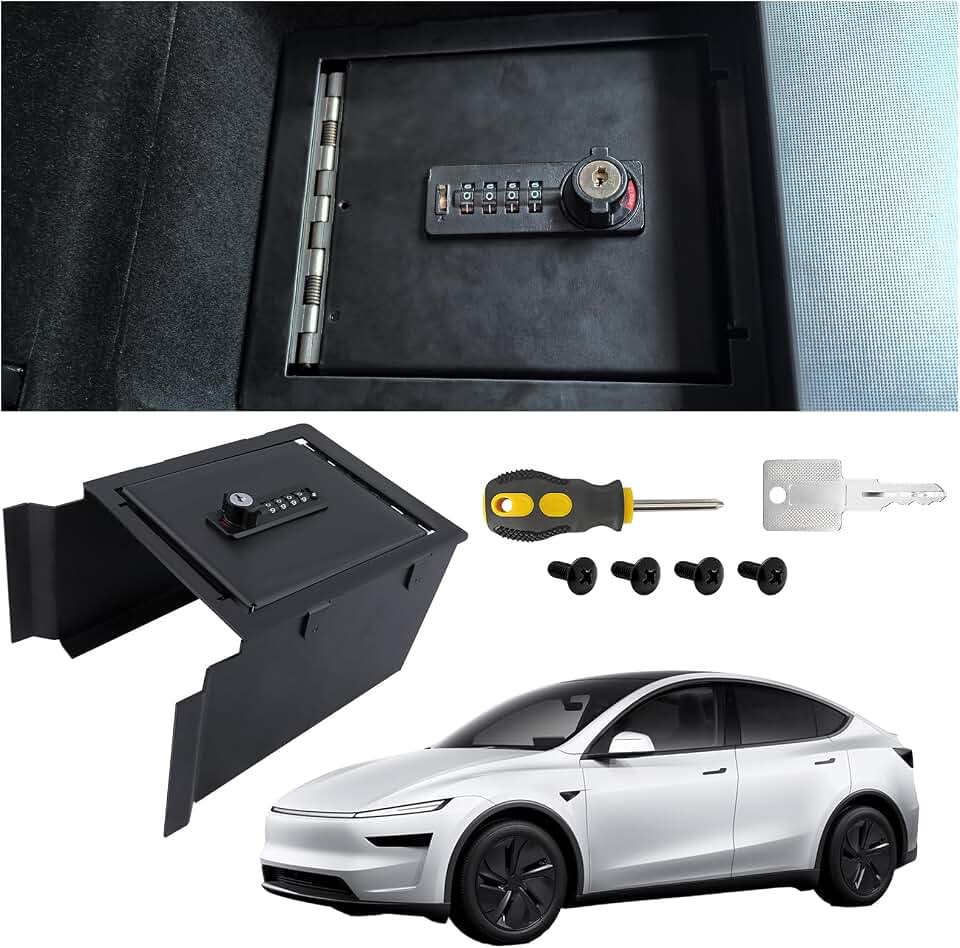
Helpful gear
Use these product recommendations as a starting point, then choose the size, material, and price point that fit how you actually use the gear.



No comments yet. Be the first to share your thoughts!